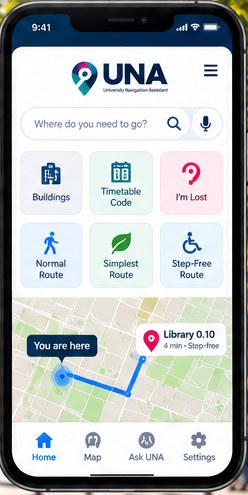
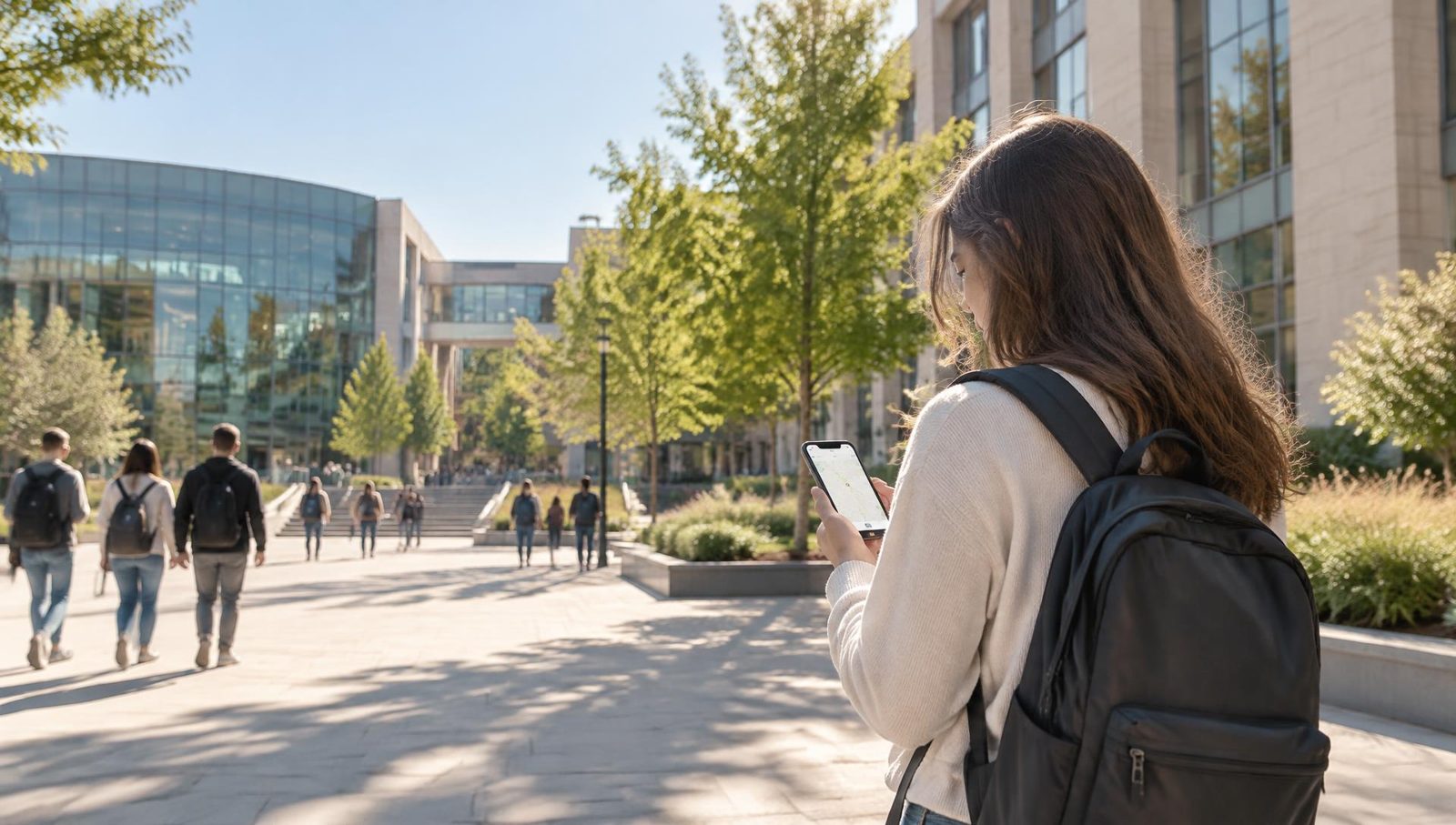

Prototype / field testing
The right room.
The right time.
The right way for you.
Clear, accessible and trustworthy guidance from campus to classroom. UNA is being developed to help students, visitors and staff navigate unfamiliar university environments with greater confidence and independence.
See how UNA worksStudents
Find buildings, rooms and teaching spaces more easily.
Visitors
Navigate an unfamiliar campus with confidence.
Accessibility users
Choose routes designed around different mobility and accessibility needs.
Staff
Reach meetings, teaching rooms and facilities efficiently.
Intelligent Indoor Navigation for Universities
UNA is developing room-level navigation technology to connect campus journeys with indoor wayfinding. Explore the campus navigation app prototype or discuss an institutional demonstration and feasibility pilot.
The problem
Knowing the room number is not the same as knowing how to get there.
University timetables give codes like
LIB 0.10NEWSCI 0.03JSC 2.03But a new student or visitor may still not know:
- Where the building is
- Which entrance to use
- Which floor the room is on
- Which corridor to follow
- Whether a step-free route exists
- How long the journey may take
Illustrative example — not real building or navigation data
Timetable
LIB 0.10
Building
Library
Entrance
Main entrance
Indoor route
Floor 0
Destination
Room 0.10
Campus to classroom
See UNA in action
From campus to building to the exact room. See how UNA is designed to make university navigation simpler, more accessible and more trustworthy.
Campus wayfinding does not end at the building. UNA is developing room-level indoor navigation for universities. This promotional film illustrates the intended experience; explore the separate web prototype below to see current functionality. It is not evidence of a verified institutional deployment.
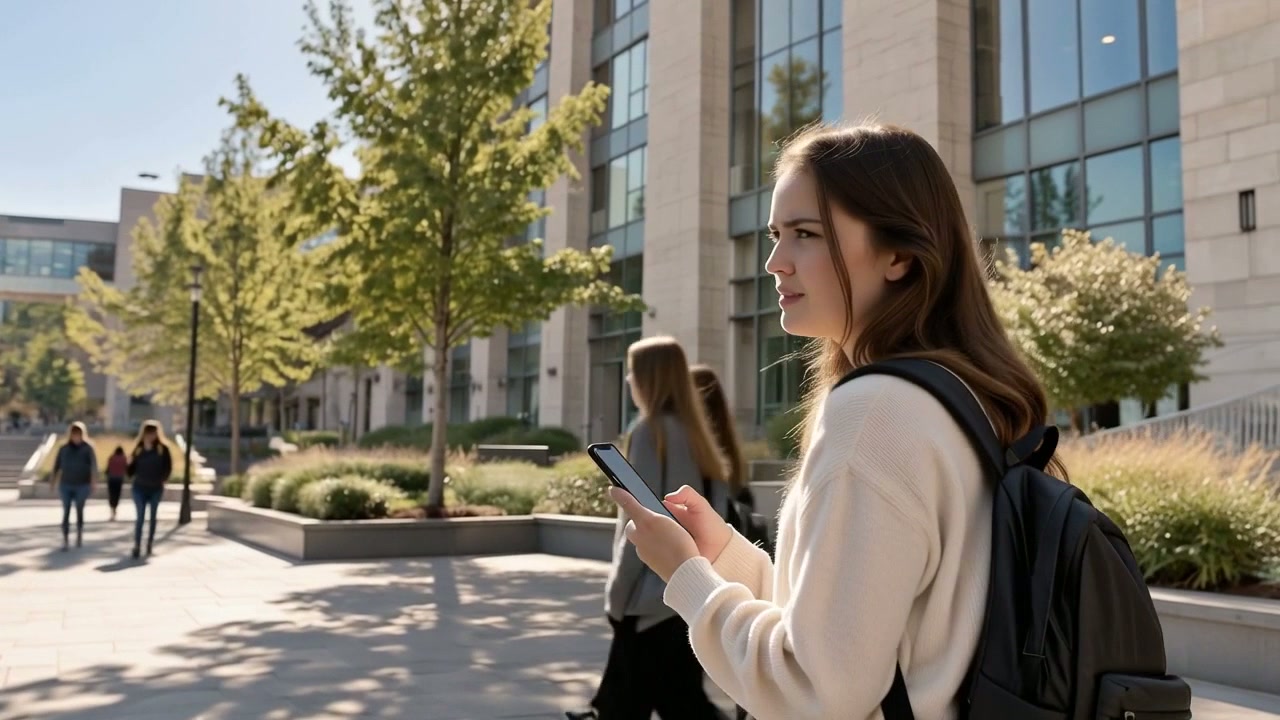
UNA promotional film
The right room. The right time. The right way for you.
How UNA works
Four simple steps to get where you need to go.
- 1
Search
Enter a building, room, timetable code or destination — for example a code such as LIB 0.10 (illustrative).
- 2
Choose
Select a route: Normal, Simplest or Step-free.
- 3
Navigate
Receive clear step-by-step guidance. Where authorised and available, UNA may use appropriate positioning information to assist.
- 4
Arrive
Reach the exact destination more confidently and with less uncertainty.
Campus to classroom
From campus to building to the exact room.
UNA is designed to bridge the gap between ordinary outdoor mapping and detailed indoor wayfinding.
Outdoor / campus
Start
Your location
Then
University building
Then
Entrance
Indoor
Start
Entrance
Then
Floor
Then
Corridor
Arrive
Exact room
Where live campus location data is unavailable, you can still select the building and entrance manually. Standard GPS does not provide exact indoor room-level location, so UNA does not rely on it indoors.
Features
Built around the questions people actually ask on campus.
Timetable-code search
Search using the same room codes students see in their university timetable.
Available in prototypeRoute choices
Normal, simplest and step-free route options.
Available in prototypeAsk UNA
Natural-language assistance for navigation questions.
In testingI'm Lost
Help when you become uncertain about your location.
Available in prototypeWhere Am I Going?
Reassurance about destination, time and journey.
In testingAm I in the Right Place?
Support for confirming destinations.
In testing
Accessibility
Navigation should work for more people.
UNA is being designed around inclusive navigation from the start, rather than adding accessibility later.
- Step-free route options
- Screen-reader compatibility
- Audio instructions
- High-contrast interfaces
- Light, dark and night display
- Larger text and readability
UNA does not assume that one route works for everybody.
Read about accessibilityVerified data
Trustworthy navigation needs trustworthy data.
UNA deliberately distinguishes between demo data, partially verified data and verified data.
If UNA does not know, it should say so rather than invent an answer.
Physical building information can require field surveys, floor-plan evidence, room verification, accessibility checks, measurements and route walk-testing.
- Building data
- Library (example)
- Verification status
- Partially verified
- Last reviewed
- —
- Source evidence
- Floor plan, field survey
Illustrative example — not real building or navigation data
Privacy
Navigation without surveillance.
- Location is used only where appropriate for navigation.
- Optional permissions stay optional.
- The core experience remains usable without unnecessary data access.
- Sensitive navigation information is never used for behavioural advertising.
Sponsors never receive
- User destinations
- Timetable information
- Accessibility preferences
- Navigation history
Your journey should help you navigate — not create an advertising profile.
Where UNA is today
Honest about our stage.
UNA is a working prototype in field testing. Real building data is still being surveyed and verified.
UNA development status
- Web prototype
- Live
- Timetable-code search
- Prototype
- Accessibility architecture
- Prototype
- Campus positioning
- In testing
- Real building datasets
- Field verification
- Institutional Wi-Fi integration
- Architecture available / deployment dependent
- Native mobile app
- Future development
- Institutional pilots
- Future
Try UNA
The current web prototype demonstrates the UNA navigation experience while real building data is being collected and verified.
Prototype data must not be used for real navigation unless explicitly marked as verified.